I thought animating was harder in Roblox until I tried it, so this blog will help you learn how.
1. The tools were moved, but I found where the tools were on the official website, it was on Avatar (not the Avatar movie).
Once I had it set up all I had to do was go to Rig Builder to get the rig (the grey figure down at the bottom left) then Animation Editor then all I had to do was click the dummy which has the rig:
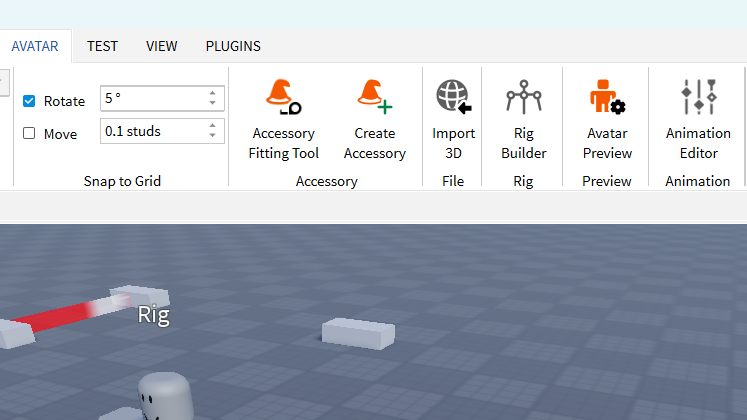
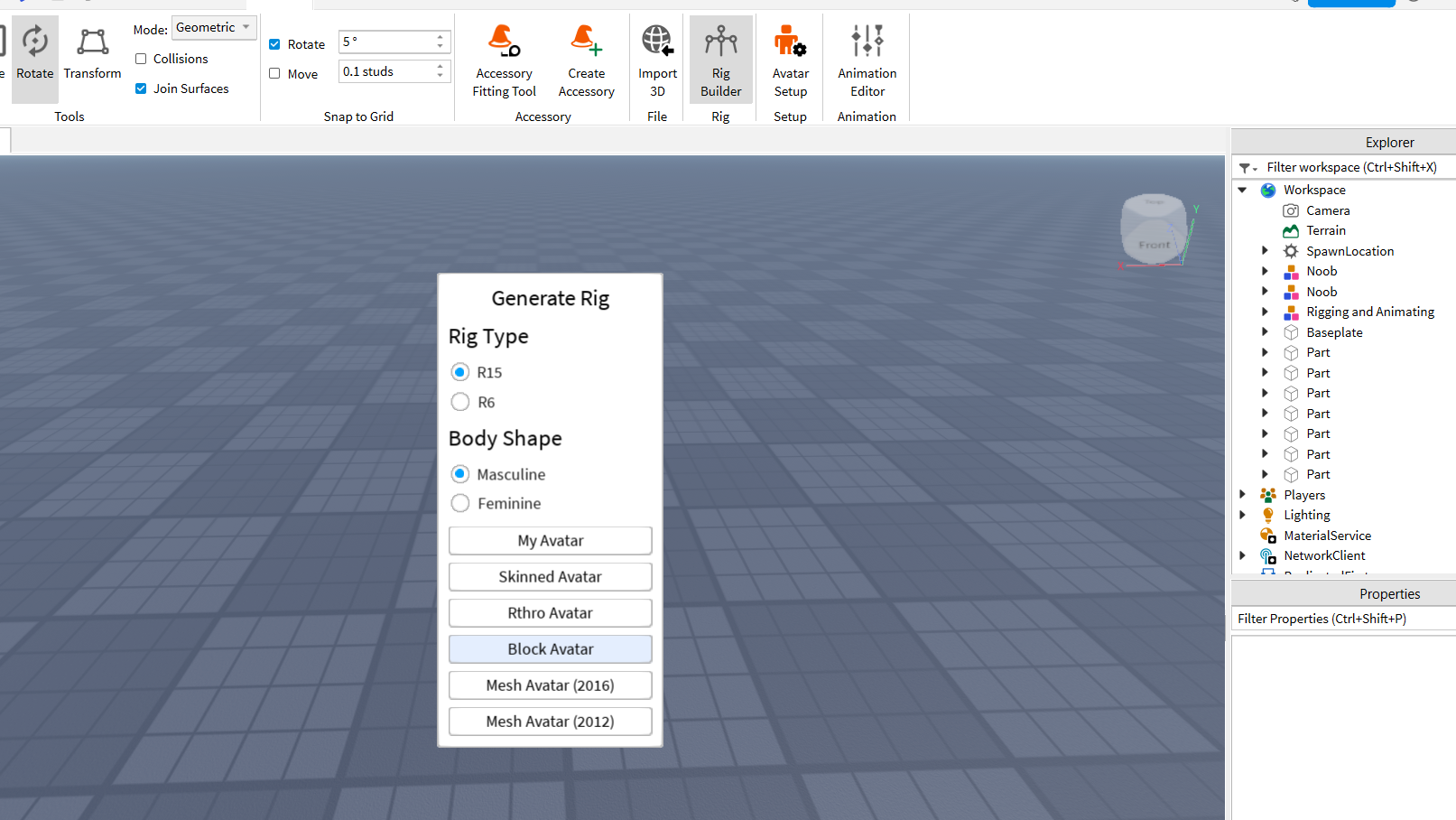
To make an animation first step is to go to Rig Builder and select R15 and choose your body type and then click Block Avatar:
Then you have a rig:
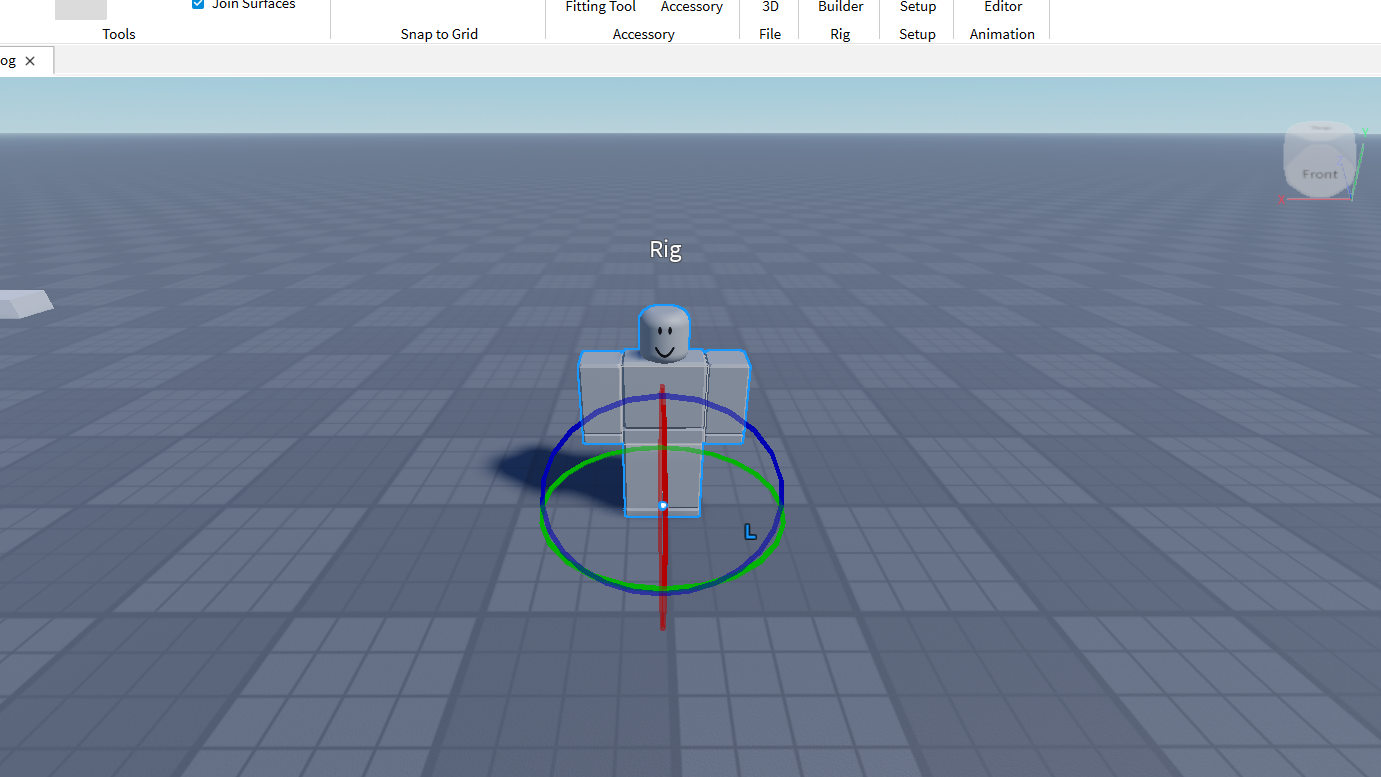
Next step is Animation Editor when you click it you have to click your rig:
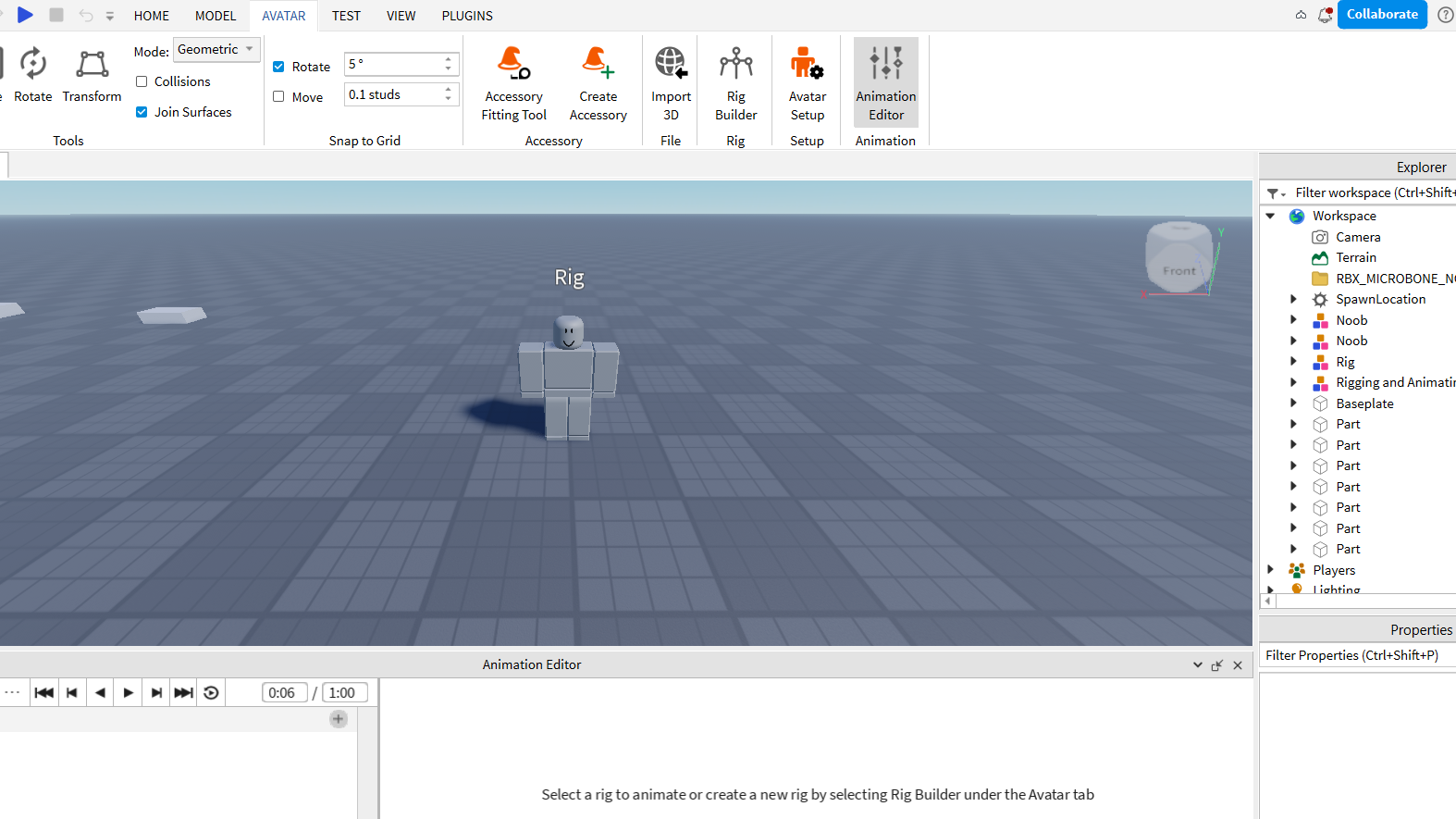
When you click your rig you can name the action of what he’s/she’s doing then that will be the name of the animation:

Then when you put the Animation name in click Create, now the fun part can begin making the animation!
Start by rotating the body part that the name describes, cause I want a kick so I’ll have to rotate the leg (tho remember this the whole body will move so if I move the upper leg for instance the rest of the leg will rotate as well, as shown in the pic below):
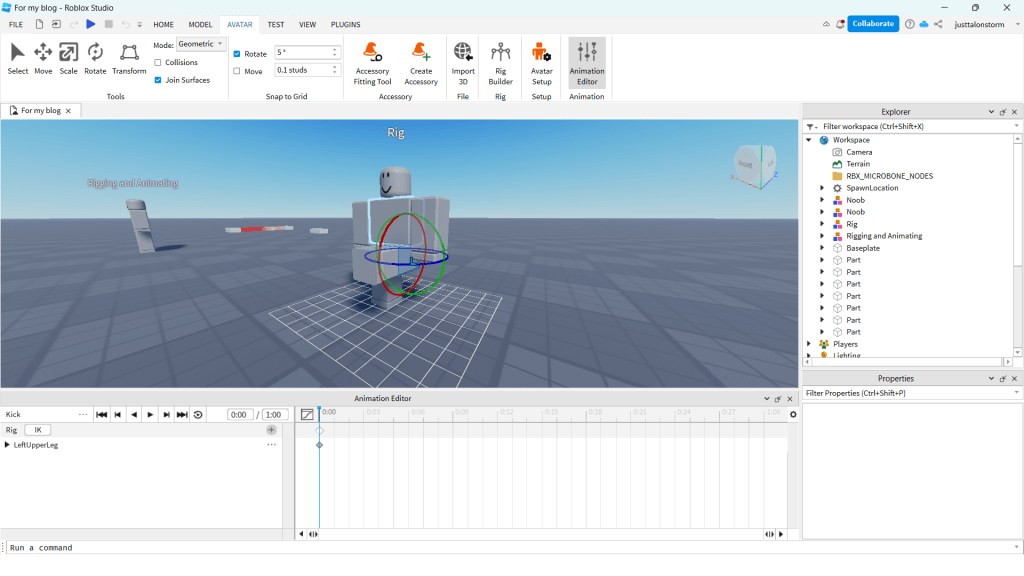
Next up we will be moving this diamond-looking thing at the bottom of the pic above to a slot which is seconds just move it forward to 7 seconds:
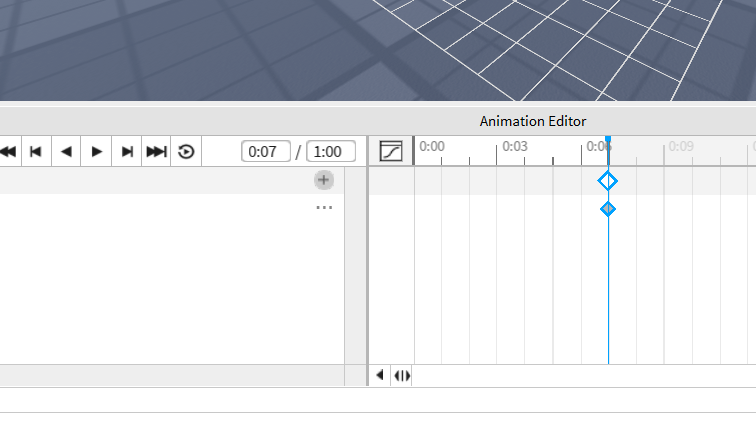
Then (if the blue line has not moved for you keep it like that for a while) we want to move the leg down:
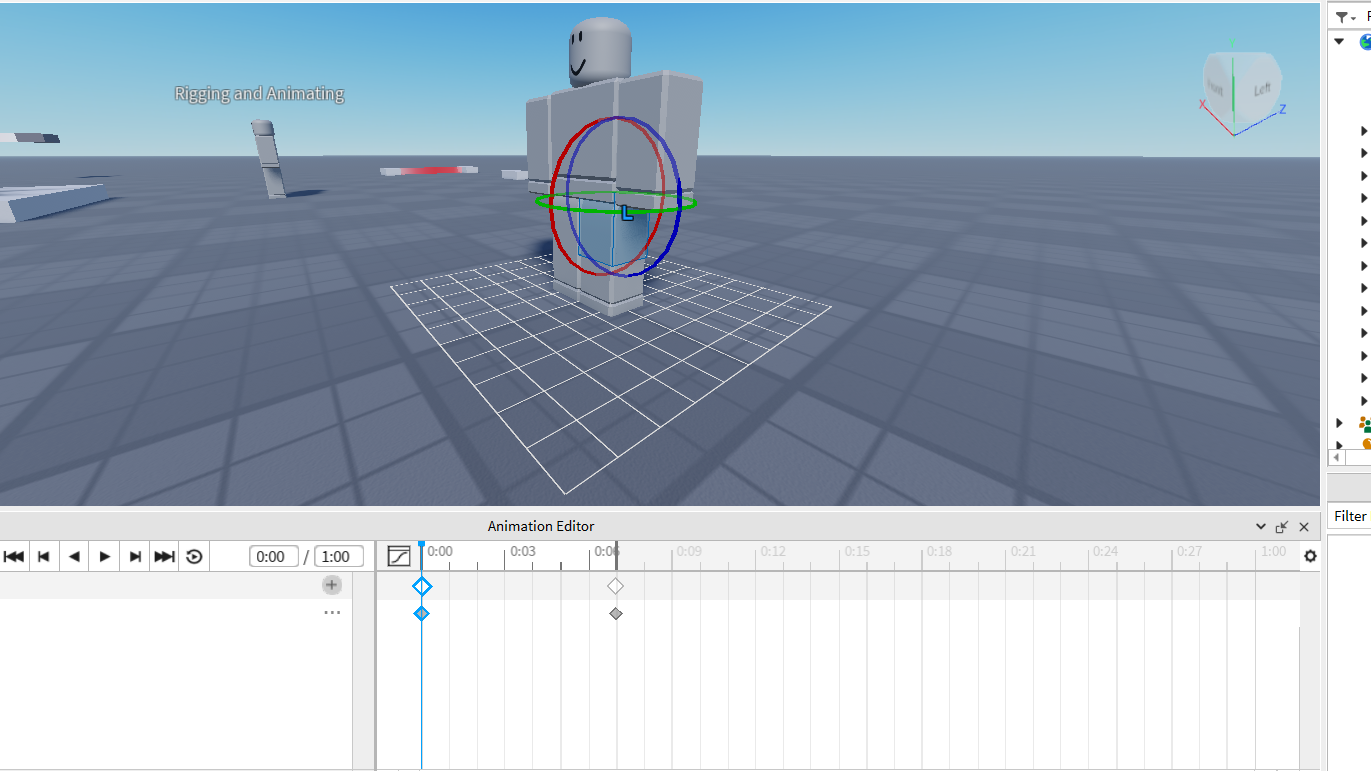
Then move the blue line ahead of the leg going up (round there on the pic below):
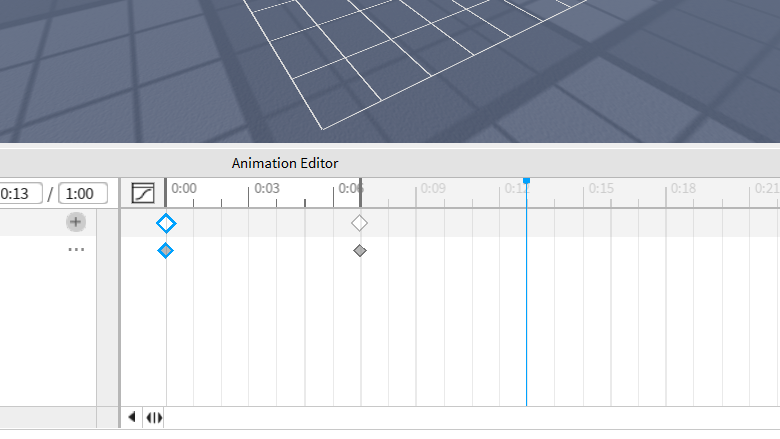
Then move the leg back down to the floor and there we have it your (possibly) first animation. Now you can go boast to all your friends about how you can animate on Roblox (but if you are a good person who does not boast to friends skip this part).
Then I ended up with 4 animations in one hour, Bye guys (This blog is still in progress so I will add a funny ending when I can).
 Just Talon
Leave a reply to Some Good Combos For The Strongest Battlegrounds (Brutal Demon) – Just Talon Cancel reply